
So, you’ve found the #FM2012 site. Perhaps you’ve enjoyed the content and want to get involved for yourself? Great! Let’s get you up-and-running!

First off, you will need an account with game host Steam. It’s where the game will be stored/accessed. Steam will automatically install the latest 12.2.0 update patch, will enable you to download add-ons like the data editor and enable you to participate in the Steam online achievements. (Visit http://www.steampowered.com to install).

If you can’t get it working, Stam at FM Scout has put together a short Steam walkthrough that can help. https://www.fmscout.com/a-football-manager-2012-and-steam-guide.html
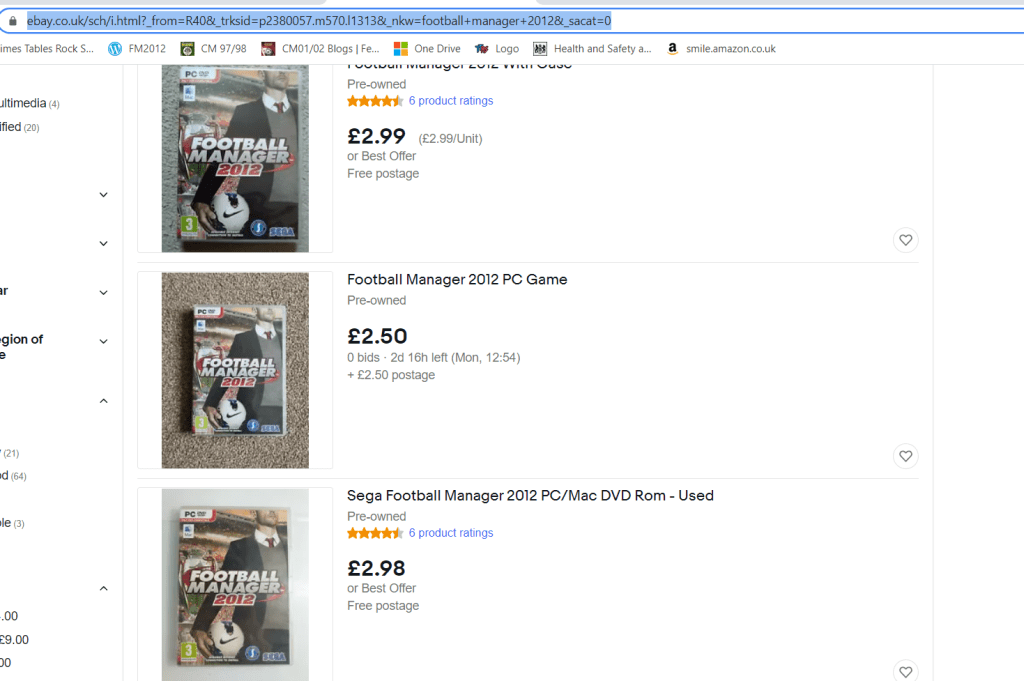
Next, you will need either a copy of the disk (best place is eBay, where at time of writing pre-owned copies are £2.99), or a digital download direct from your new Steam account. Once the game is installed, you won’t need the disk again. *Your laptop may have forgone a CD/Drive for hard drive space – check before buying the game online! (I may have made this mistake during my last laptop migration….)
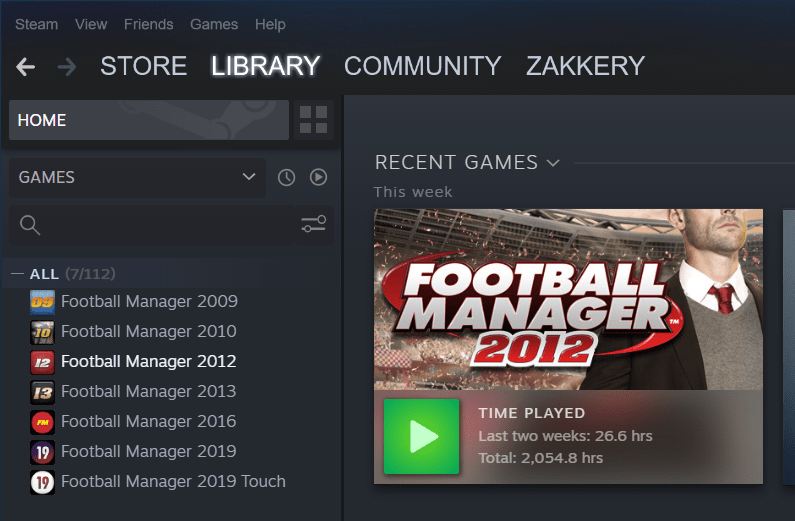
If you think you’ve owned the game before, but are not sure, you can check your Steam library. (Log into your Steam account and click ‘library’. If you see it in the list, you are a lucky one! Click ‘play’ and enjoy!
I have been looking online for a copy of the game manual to link to here. I’ve not been able to find one, so scanned my dog-eared copy and put a .pdf version in the downloads section. Find it HERE>
Installation: Once you have the disk, insert into a DVD drive and the autoplay function will kick-to-life and get the game started for you. It’ll prompt a desktop shortcut – use this so you don’t need to enter Steam to start the game.
Once installed double-click you desktop icon and viola; HOME SCREEN.

There is an in-game tutorial if you are new to Football Manager in general, otherwise get started by clicking ‘Start New Game’.
Enjoy!
 fm2012.co.uk